Running an E3 Program
In this section, we will walk through how to run an E3 Program using CRISP. We will run a complete voting round of CRISP and do the following:
- Request an E3 Voting Round
- Submit votes through the web interface
- Compute and verify results
Please make sure you have followed the CRISP Setup guide and started the application before proceeding.
Initialize a New Voting Round
As explained in the previous section, you can launch the CLI from the example root with the following command:
pnpm cliYou can initialize a round using the interactive menu or directly via command-line flags:
Interactive Menu:
- Select
Initialize new E3 round - Enter the token contract address
- Enter the balance threshold for the voting round
Command-Line (Direct):
cargo run --bin cli init --token-address 0xe7f1725E7734CE288F8367e1Bb143E90bb3F0512 --balance-threshold 1000Command-line flags:
--token-address: ERC20 token address for voting eligibility--balance-threshold: Balance threshold for the voting round
You should see output similar to:
[2025-12-16 13:41:37] [commands.rs:77] - Starting new CRISP round with token address: 0xe7f1725E7734CE288F8367e1Bb143E90bb3F0512 and balance threshold: 1000000000000000000
[2025-12-16 13:41:37] [commands.rs:90] - Enabling E3 Program with address: 0x67d269191c92Caf3cD7723F116c85e6E9bf55933
[2025-12-16 13:41:37] [commands.rs:94] - E3 Program enabled. TxHash: 0xa391a4cd2dcc59f4bc6dd1f5ed1c78006dbba4556ea633f4b6a53e2271538682
[2025-12-16 13:41:37] [commands.rs:118] - E3 request sent. TxHash: 0xe7998b9748e3526f6ca992c9bb498beabe4f387b02240a23d0f42a2386d3c305
Set Up MetaMask
Whether you used pnpm dev:up or the manual flow, you will interact with the Hardhat chain running
at http://localhost:8545 (chain ID 31337). Configure MetaMask once:
- Import the Hardhat deployer key so you have funds available:
0xac0974bec39a17e36ba4a6b4d238ff944bacb478cbed5efcae784d7bf4f2ff80 - Add a custom network pointing to
http://localhost:8545with symbolETHand chain ID31337.
Submit Votes via Web Interface
- Navigate to
http://localhost:3000(started bypnpm dev:up) - Connect your MetaMask wallet when prompted
- You should see the active voting round seeded by the CLI request
- Cast a vote, approve the transaction, and wait for the confirmation toast
Monitor the Process
You can monitor the entire process through the various terminal outputs:
Server logs will show:
- Vote submissions being received
- Computation starting when the voting period ends
- Results being computed and published
Example server output:
[2024-10-22 11:59:12] [handlers.rs:95] - Vote Count: 1
[2024-10-22 11:59:12] [handlers.rs:101] - Starting computation for E3: 0
Prove function execution time: 2 minutes and 37 seconds
[2024-10-22 12:01:49] [handlers.rs:109] - Computation completed for E3: 0
[2024-10-22 12:01:49] [handlers.rs:110] - RISC0 Output: Risc0Output { result: ComputeResult } ...
[2024-10-22 12:01:49] [handlers.rs:111] - Publishing ciphertext...
Ciphernode logs will show:
INFO Extracted log from evm sending now.
INFO evt=CiphertextOutputPublished(e3_id: 0) e3_id=0
INFO evt=DecryptionshareCreated(e3_id: 0, node: 0x90F79bf6EB2c4f870365E785982E1f101E93b906) e3_id=0
INFO evt=PlaintextAggregated(e3_id: 0, src_chain_id: 31337) e3_id=0
INFO evt=E3RequestComplete(e3_id: 0)
INFO Plaintext published. tx=0x320dd95358cc86c2a709b6fec0c6865b43fa063cb61dfcb8a748005d4886f040
Final result logs:
[2024-10-22 12:01:49] [handlers.rs:171] - Handling PlaintextOutputPublished event...
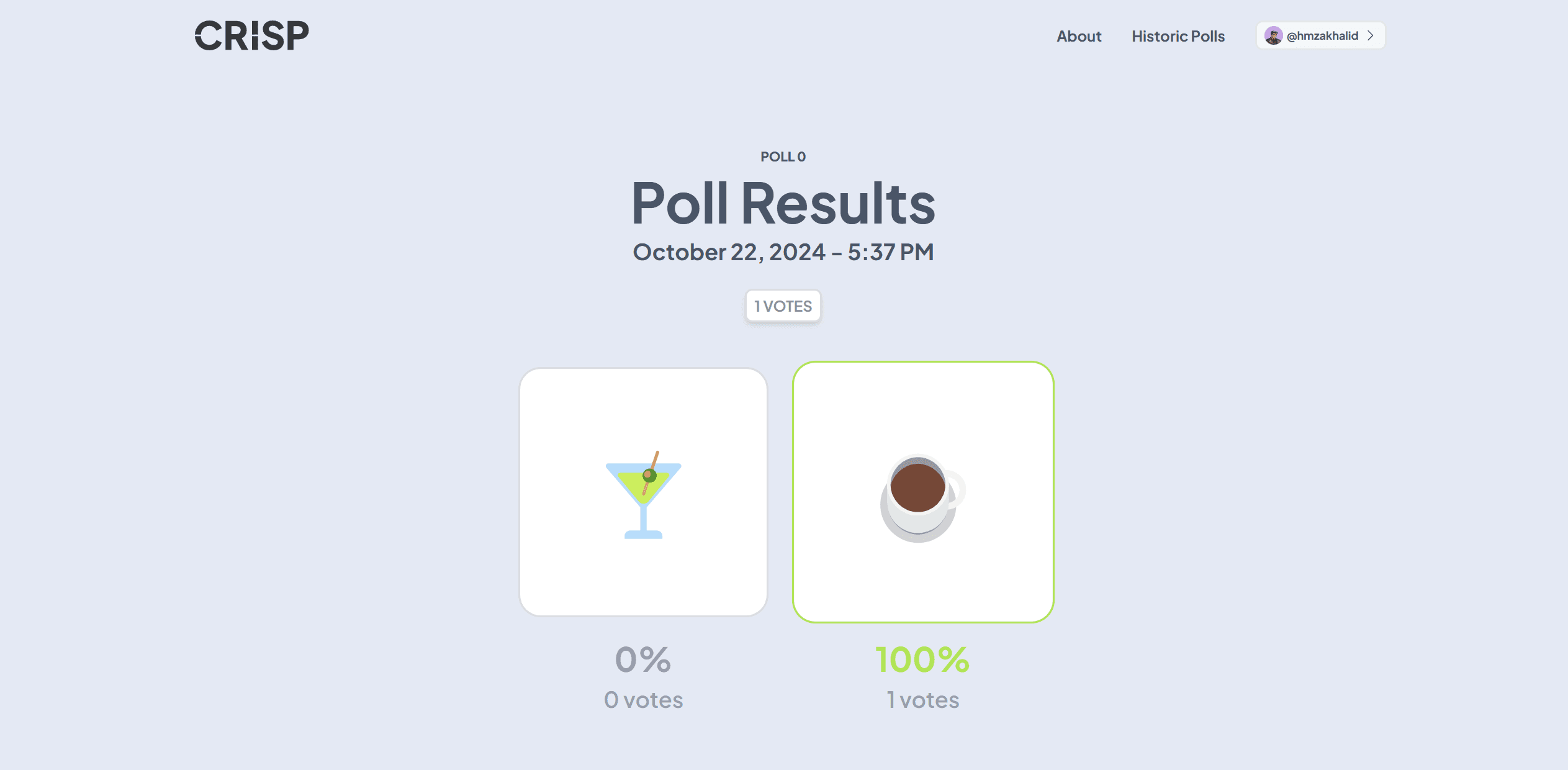
[2024-10-22 12:01:49] [handlers.rs:181] - Vote Count: 1
[2024-10-22 12:01:49] [handlers.rs:182] - Votes Option 1: 0
[2024-10-22 12:01:49] [handlers.rs:183] - Votes Option 2: 1
[2024-10-22 12:01:49] [handlers.rs:187] - PlaintextOutputPublished event handled.
Understanding the Process
The CRISP voting process involves several key steps:
- Initialization: A new E3 round is created on the blockchain
- Vote Submission: Users submit encrypted votes through the web interface
- Computation: After the voting period, RISC Zero computes the results using FHE
- Decryption: Ciphernodes collaboratively decrypt the results
- Publication: Final results are published to the blockchain and displayed
Troubleshooting
- Ensure all terminals remain open during the voting process
- MetaMask connection issues: Check that you're connected to the correct network (Chain ID: 31337)
- Transaction failures: Verify you have sufficient ETH balance from the Hardhat faucet (the account with the imported deployer key starts funded)
- Server errors: Monitor the server logs for detailed error messages
- Ciphernode issues: Ensure all ciphernode processes are running and connected
Next Steps
Once you've successfully run a voting round, you can:
- Experiment with different voting scenarios: Try multiple votes and different options
- Modify voting parameters: Adjust the configuration for different use cases
- Explore the codebase: Understand the implementation details for your own E3 programs
- Deploy to testnet: Move beyond local development to public testnets